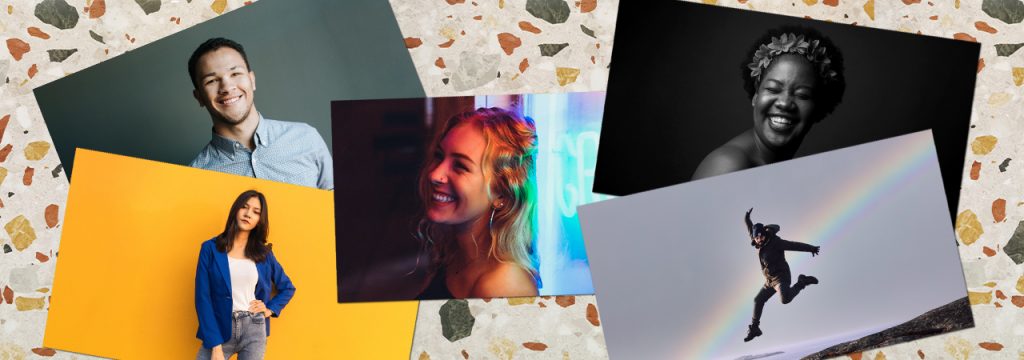

First impressions are important. The profile photo you choose for your online social and professional network accounts says a lot about you, and this is why it is so important to pick the right one.
Want to know how to take a great profile picture? Read our 5 easy tips on taking the best profile pics for each of your social media profiles.
① Formal or Casual?
Each online networking account is different. Facebook and Instagram are the places where you connect with friends and family, so it’s ok if the profile photo is casual.
For professional reasons (business networking such as a LinkedIn account), then you should consider a formal photo. If you’re selling a product or providing a service, then your company/business logo or the product image as a profile image. Avoid using selfies, especially if it’s clear in the photo that you are handling your phone to take your own picture. Also, better avoid using group photos or holidays snaps. What you want to show here is your professional identity, not your social life.
② Pay attention to the background
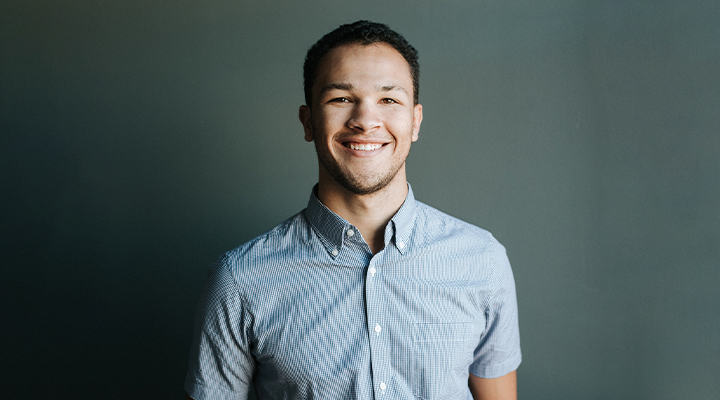
For these professional profile pictures, it’s recommended to use a solid or mildly textured background, preferably white or any other light, neutral colours. Busy backgrounds and beautiful views are ok for Facebook and Instagram profile pictures. If your Instagram account is all about travelling, your profile picture should show you standing in front of a breathtaking view.
③ Light and filters
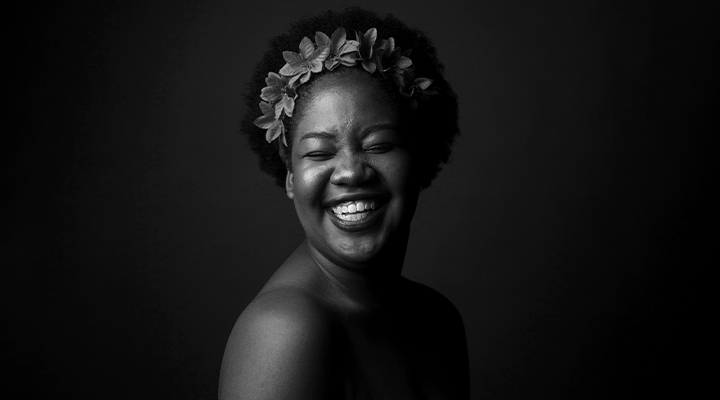
We all like playing with filters on Instagram and Facebook, so it’s okay to use any filter we like for these profile photos. It’s also fine with applying high contrasts to our profile images if they reflect our personality and identity.
For LinkedIn, it’s probably better to not exaggerate on the filters. Usually, for professional photos, it’s recommended to use a soft and natural light. A black and white profile photo works well too.
④ Find the best pose
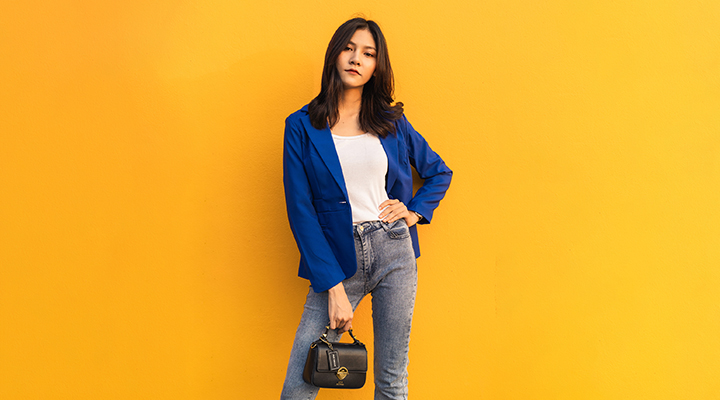
For a full body photo, leaning your weight on one leg while the other is a little laxed or tilted makes for a flattering pose. Turning and posing at a 45 degree angle helps make you appear slimmer. Place your hand on your hip at the camera for added confidence in your appearance.
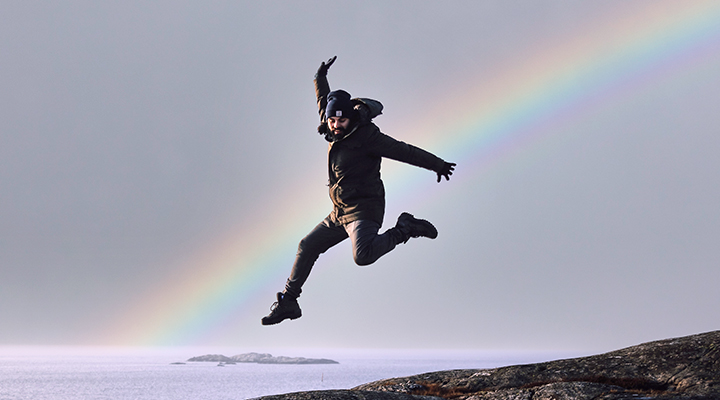
Poses where you are facing away from the camera, and showing only your back while looking at the scenery is great for Facebook and Instagram only.
In regards to your LinkedIn profile picture, your profile picture needs to show your face clearly, headshots are highly recommended. Smile and show that you are approachable, someone that anyone would like to work with. Last, but not least, what you wear is also relevant for a business profile photo. The general tip here is to wear what you usually would wear at work, so if you are creative, you don’t need to take a photo in a suit.
⑤ Be yourself
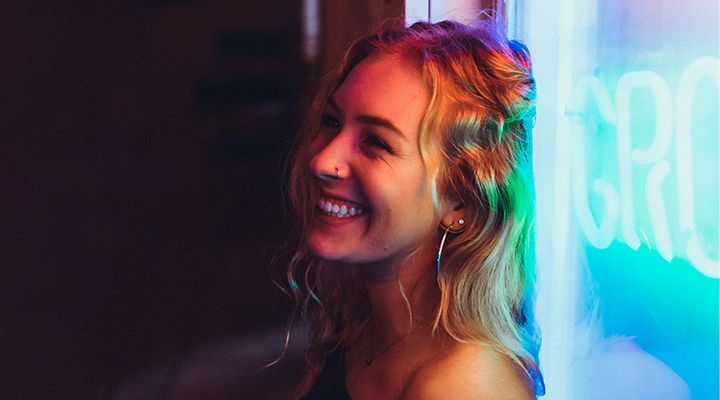
The most important tip for any photo is to always be yourself. There is no sense of striking a pose that makes you feel uncomfortable just to impress people. Be natural, don’t force any posture and, above all, smile.
And if you have any profile picture that you really love, why not print it out? Get 40% off on all photo gifts.