
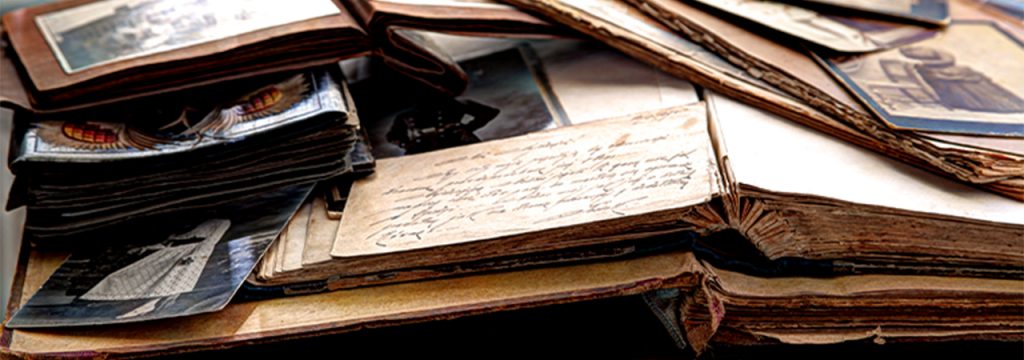
There’s no better time to document your family history than now. Get started and set the trend of preserving your family narrative and sharing it with our loved ones and future generations.
This can be quite the daunting task. But with dedication and commitment, it will be worth the effort and you will have a priceless keepsake that your family will treasure forever.
Start collecting
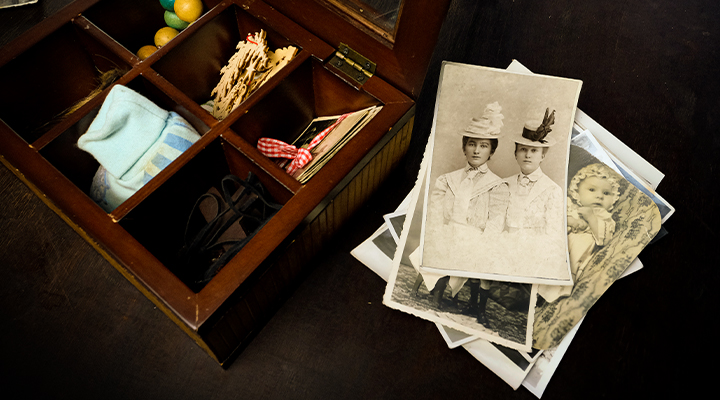
You may have a collection of photos, but also try asking and reaching out to other family members for photos they may have, that can contribute to your photobook.
Besides photos, also consider magazine or newspaper articles. Include drawn portraits or memorabilia and heirlooms that you can take pictures of.
Chronologically organise your scanned photos
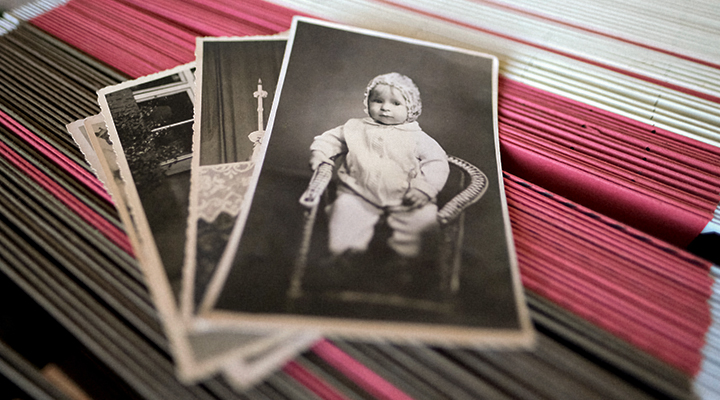
Before you start scanning your photos, it always helps to organise your collection in chronological order. Start by organising by family and keep each collection in labelled folders before moving to organising by time.
It certainly helps to have another family member or two, who are familiar with the family timeline, to help out.
Scan all of your photos
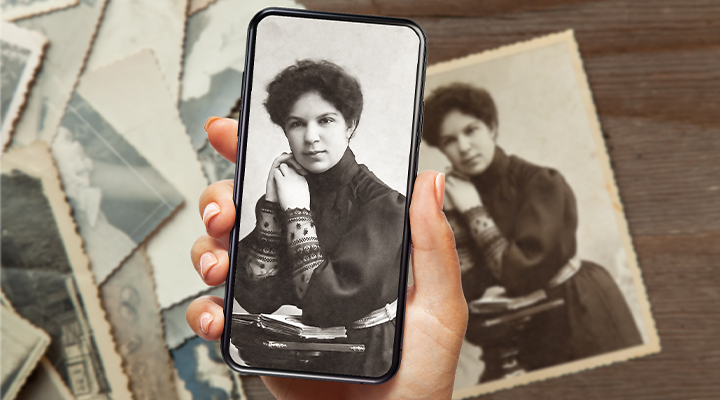
Once you have everything organised, it’s time to scan your photos. For tips on how to scan your old photos, please refer to our How to Scan Old Photos article.
Remember to label your scanned photo files and organise them into folders in chronological order and family name.
Restore damage old photos
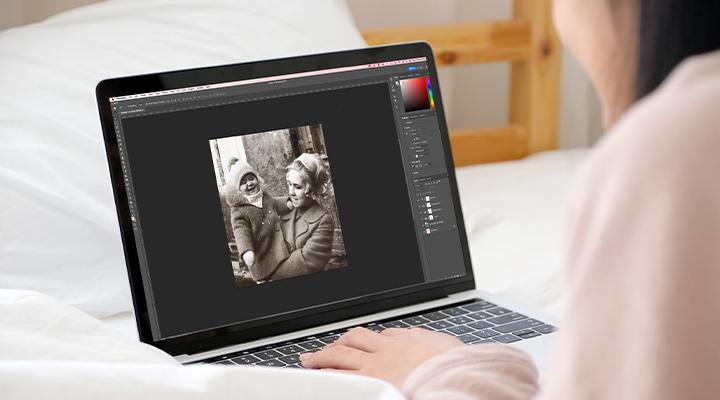
Now that all of your photos have been scanned, there may be photos that have some wear and tear or are washed out, and you may want to restore them close to their original state.
For tips on how to fix your old damaged photos, please refer to our How to Restore Old Photos article.
Pick a photo book and start designing
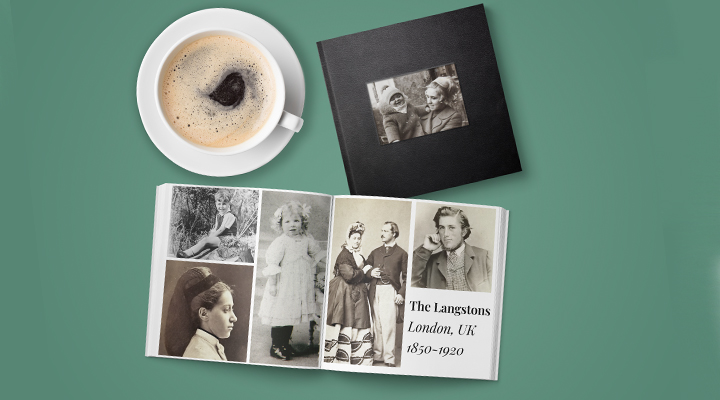
After all of your photos have been scanned and restored, it’s time to choose a photo book that you can upload your images to.
We recommend a hardcover photo book, leather book or lorenzo window book.
After picking a type of photo book and the number of pages you want, pick a theme – we recommend “Demo Theme”, “White (1 to 5 photos per page)” or design your own.
Upload all your photos and start customising your photo book. You can add text, change page layouts, change the number of pages, and even change the type of photo book if the one you’re working with doesn’t suit the type of family lineage photo book you had in mind.
Now that you have your complete photo book. If you’re happy with it, why not share that joy and sentiment with other family members. Provide an extra copy to those who helped you compile and provided photos to the family lineage photo book. It would also make a lovely and thoughtful gift to the older members of your family.